
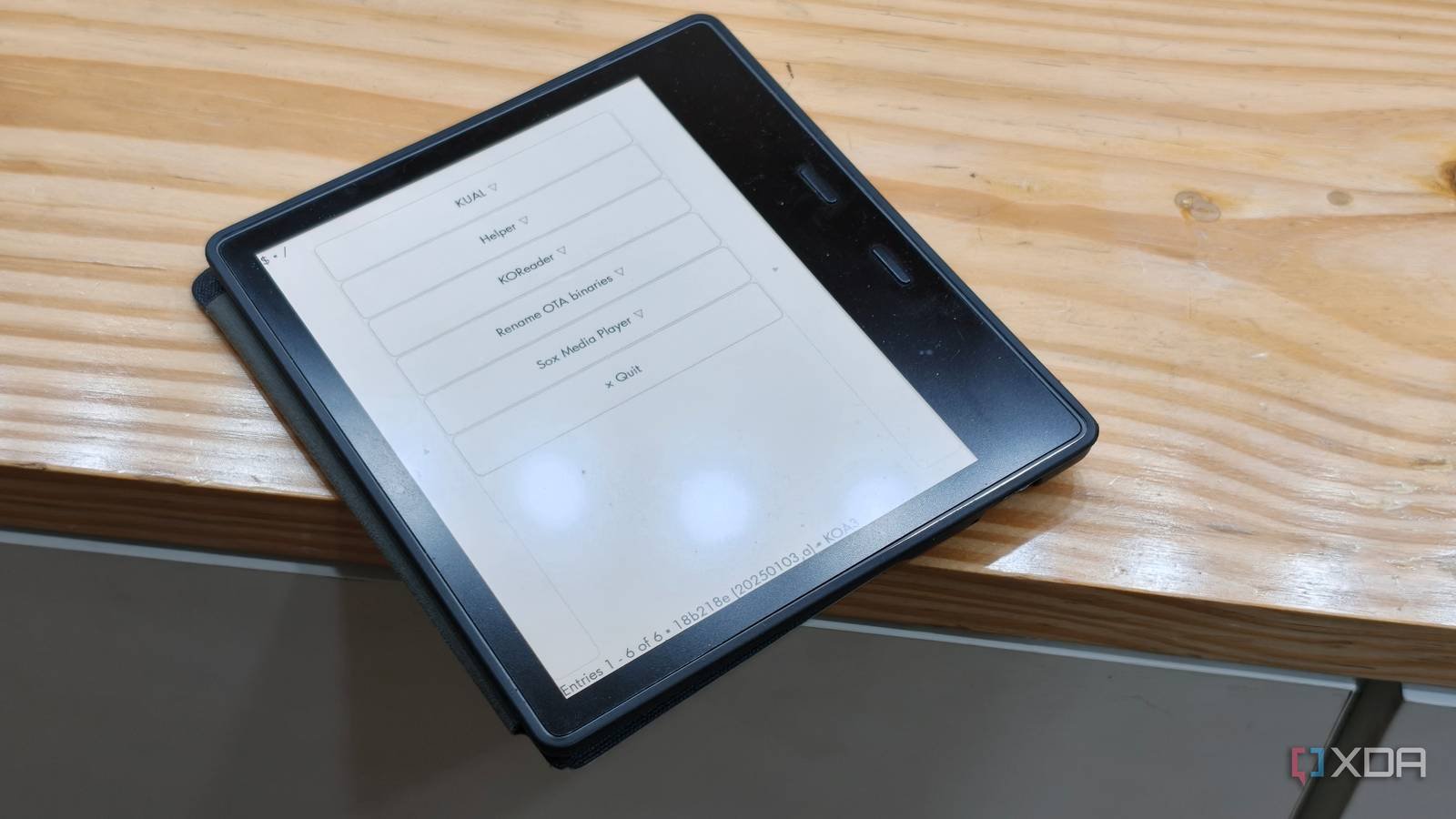
I love Kindles, but I’ve always had the feeling that the hardware is capable of more than Amazon lets on. Out-of-the-box functionality is so limited that you can’t even set a wallpaper. This is unacceptable for me. So I started jailbreaking all my Kindles.
out of the box Kindle only good at one thing. Well, two. It allows me to buy books from Amazon and read them with very little friction. This simplicity works well for most people, but I want customization and an experience that goes beyond basic functionality.
This is what drove me towards jailbreaking. A Jailbreak Kindle giving me access to features that Amazon completely ignores. Yes, custom screensavers are a given, but so is better file management, update control, and deep support for third-party apps and tools like KOReader. While the first jailbreak instinct was more customization with the lock screen showing the book I’m reading and my current reading, now that I’m deep into the jailbreak ecosystem, there’s no going back.

KOReader is the real reason to jailbreak your Kindle
Better file support, reading tools, and Kindle tailored to your reading

The biggest upgrade I’ve made to my Kindle since jailbreaking was installing it KOReader. At first glance, the Kindle’s standard reading experience is fine. If all you read are books from Amazon’s storefront, it does the trick. But the moment you start building your own DRM-free library, it starts to fall apart.
I read a lot of ePubs, long-form PDFs, books downloaded directly from the author’s website, and research papers. The stock Kindle ecosystem isn’t conducive to this, and the experience quickly becomes frustrating. PDF support in particular is particularly poor, with awkward zooming and invalid text reflow. KOReader fixes that.
PDFs are easier to navigate because text-heavy documents are easier to read. And that’s only part of the equation. KOReader supports a larger range of book formats than Amazon’s standard software. This includes everything from ePUB files to CBZs, docxs and more options. And the best part is that I don’t have to convert any of my existing files. Just drag and drop and KOReader will read the files.
The reading experience is also greatly improved. I can adjust margins, line spacing, font weight, contrast and layout with more options. Unlike Kindle’s built-in reader, KOReader will even allow you to save different settings for individual books. This is a big step forward when reading a lot of books. Thick nonfiction and science fiction have different text densities, and KOReader lets you tailor your experience.
There are other benefits for better reading. For example, you get detailed reading statistics that help you track your reading hobbies. Elsewhere, KOReader provides wireless synchronization caliber brings you a full-fledged wireless home library. Individually, these may seem like small features, but taken together, they create a noticeably improved reading experience. In fact, I’d go so far as to say KOReader is worth jailbreaking your device on its own. But there is much more to do here.
Customizing your Kindle
From better screensavers to full control over the reading experience
While KOReader is a revelation in itself, the funny thing is that I’m still interested in the original reason I wanted to jailbreak my Kindle – customization.
Being able to set a custom screensaver sounds like an incredibly basic feature that Amazon has completely overlooked, but after the jailbreak, my setup has a completely custom look. This includes artwork for the book I’m reading, a summary of the book, current overall reading progress, and even chapter progress. This is a marked improvement over the basic options offered by Amazon.
The same goes for advertisements. Although Amazon charges you to remove ads from your Kindle, jailbreaking your Kindle means removing them for free. I bought hardware, I don’t have to pay more to remove ads from my device. Now I can achieve just that. Likewise, you have control over updates. Oftentimes, Amazon pushes Kindle updates that are detrimental to the experience. Jailbroken Kindle allows you to block these updates.
And then there are hundreds of plugins. Developers have created puzzle apps, games like Sudoku, Wordle, and chess that work right on Kindle. Similarly, you can create Anki flashcards from your vocabulary searches, turn your Kindle into a House helper dashboard, even add AI support to Kindle to enhance the reading experience.
A Kindle that finally feels like mine
What started as a simple attempt to set up a custom screensaver has completely changed the way I use my Kindle. I wanted better customization, but using KOReader and a number of plugins, I was able to manage a reading experience that was far better than anything Amazon had to offer. I have better file type support, control over updates, and the freedom to control the exact experience I want. And that’s really the biggest difference. The stock Kindle feels like a product designed to keep me in the Amazon ecosystem, while the jailbroken Kindle feels like my own Kindle. It’s completely customized to my personality reading experience.



