
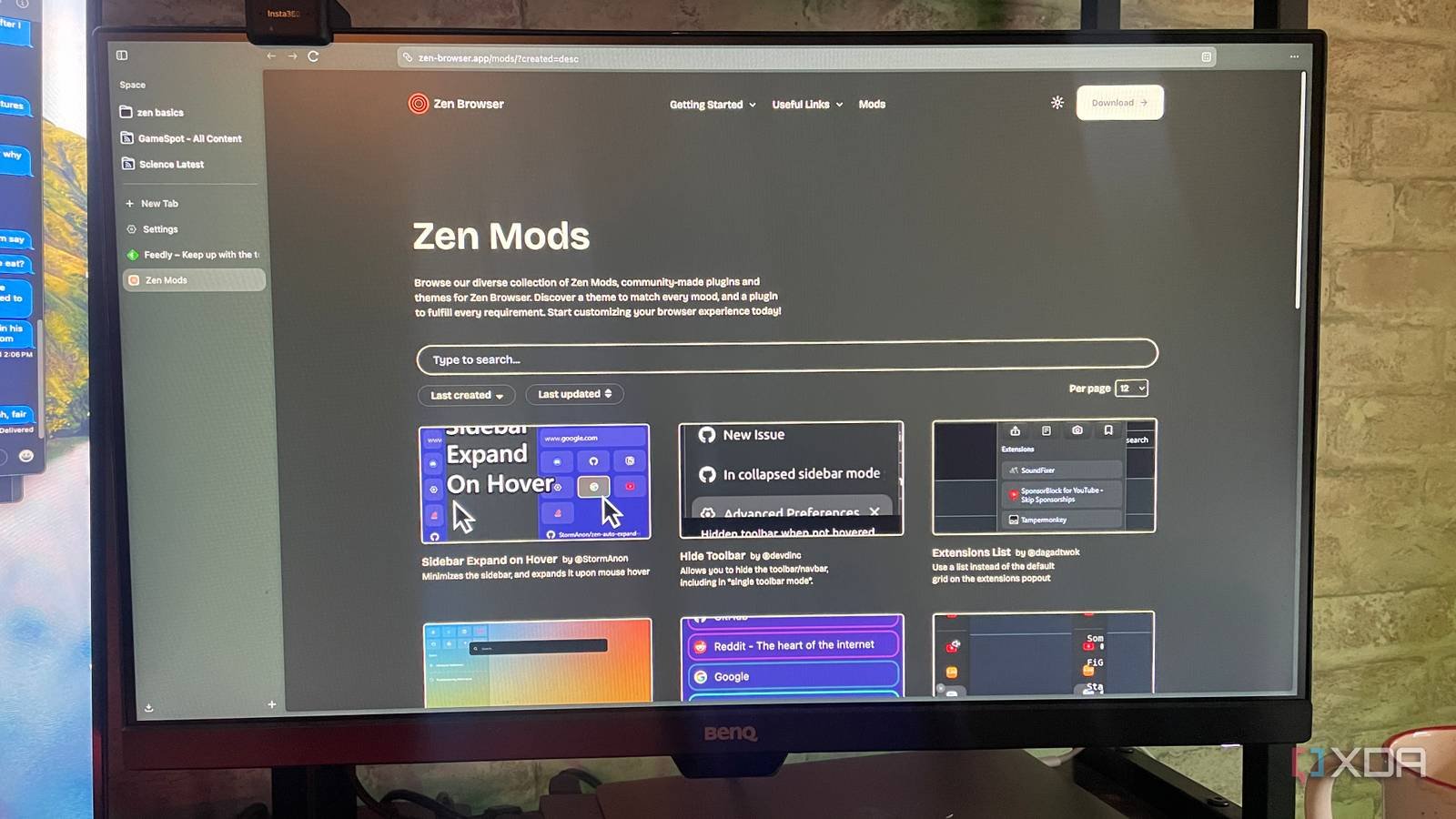
i have tried a dozen or more browsers my Searching for a replacement for Chromeand so far I’ve had little luck – only Zen Browser can be with the addition of live folders, a feature that turns my sidebar from a simple navigation tool into an RSS reader, and more, I’ve become exactly what I was looking for. Zen Browser offered many interesting features from the beginning, but this update gave it a functionality that I haven’t found in other browsers.
As soon as the latest updates happen
A big part of my job is keeping up with tech news. So far, I’ve generally used Feedly to browse multiple RSS feeds each day, but there have been times when it caused disconnects in my workflow. For example, during tentpole gaming events, if I’m liveblogging announcements, I have to constantly refer to the Feedly app on my phone. With Zen Browser, I can track those updates without ever leaving my browser. It only saves a few seconds, but it adds up.
The Live Folder feature goes beyond just RSS feeds. It can track GitHub notifications, news, and more, and updates when feeds do; no need to press the update button during the process. Folders live according to the “live” title; they are not just static bookmarks, but constantly evolving collections of web pages.

More information, less screen clutter

On any given business day, I will have seven or eight tabs open. Sometimes more depending on the project – and compared to some people I know, that’s a relatively small number. Live Folders help reduce the number of tabs; After all, why keep an RSS feed or company news page open when you have a constantly updated feed in your sidebar? If you have to keep track of certain tabs or websites throughout the day, Live Folders offer a time- and space-saving alternative that can be a significant quality-of-life improvement.
Of course, this will not be true for every use. Some users will find that Live Folders don’t benefit their workflow, though that shouldn’t stop them from giving Zen Browser a try.
I spend more time in the browser
And less time switching between programs

Let’s say I’m writing a quick story covering a big tech announcement. I used to complete an article, submit it, and then go back to Feedly to look for any other updates. With Live Folders, those updates are now in my sidebar. This may seem like a small change, but it removes a surprising amount of friction from my workflow. I sometimes have a hard time concentrating and simply moving between apps is enough to distract me. Live Folders remove another potential source of distraction, allowing me to better focus on the task at hand.
If your workflow involves spending a lot of time working inside your browser, Live Folders is a great addition that makes Zen Browser feel less like a tool and more like a dashboard for the web.
And they don’t help alleviate Zen Browser’s resource problems

While Live Folders works incredibly well, Feedly still has more features and allows me to read directly inside the app without opening another window. Live Folders isn’t compatible with a dedicated RSS reader in terms of functionality, but it doesn’t have to be. The ability to see that new stories are there, even if I have to open them in a separate tab, is enough to keep me updated.
Another downside? Zen Browser is somewhat notorious for using more resources than necessary. Adding another regularly updated data point does not diminish this effect. If you’re running on a low-end machine, keeping too many tabs open in Zen Browser can result in an unpleasant experience.

Convenience trumps raw functionality

Here’s the thing: Live Folders aren’t meant to replace RSS feeds, even if they serve a similar function. A dedicated tool like Feedly or InoReader offers more powerful filtering, reading tracking, etc. will offer. Where Live Folders wins is the convenience of seeing the feed update in real-time, right in your browser. I can watch stories unfold and announcements break without stopping what I’m already doing.
There’s room for improvement, but Zen Browser is on the right track
I’ve been looking for a Chrome replacement for a long time. Unfortunately, nothing came close and Zen Browser is still weak in many ways. However, its minimalist approach combined with unique features I haven’t seen elsewhere make it a solid contender (especially since it runs on the Firefox architecture and can therefore use Firefox-focused extensions).



