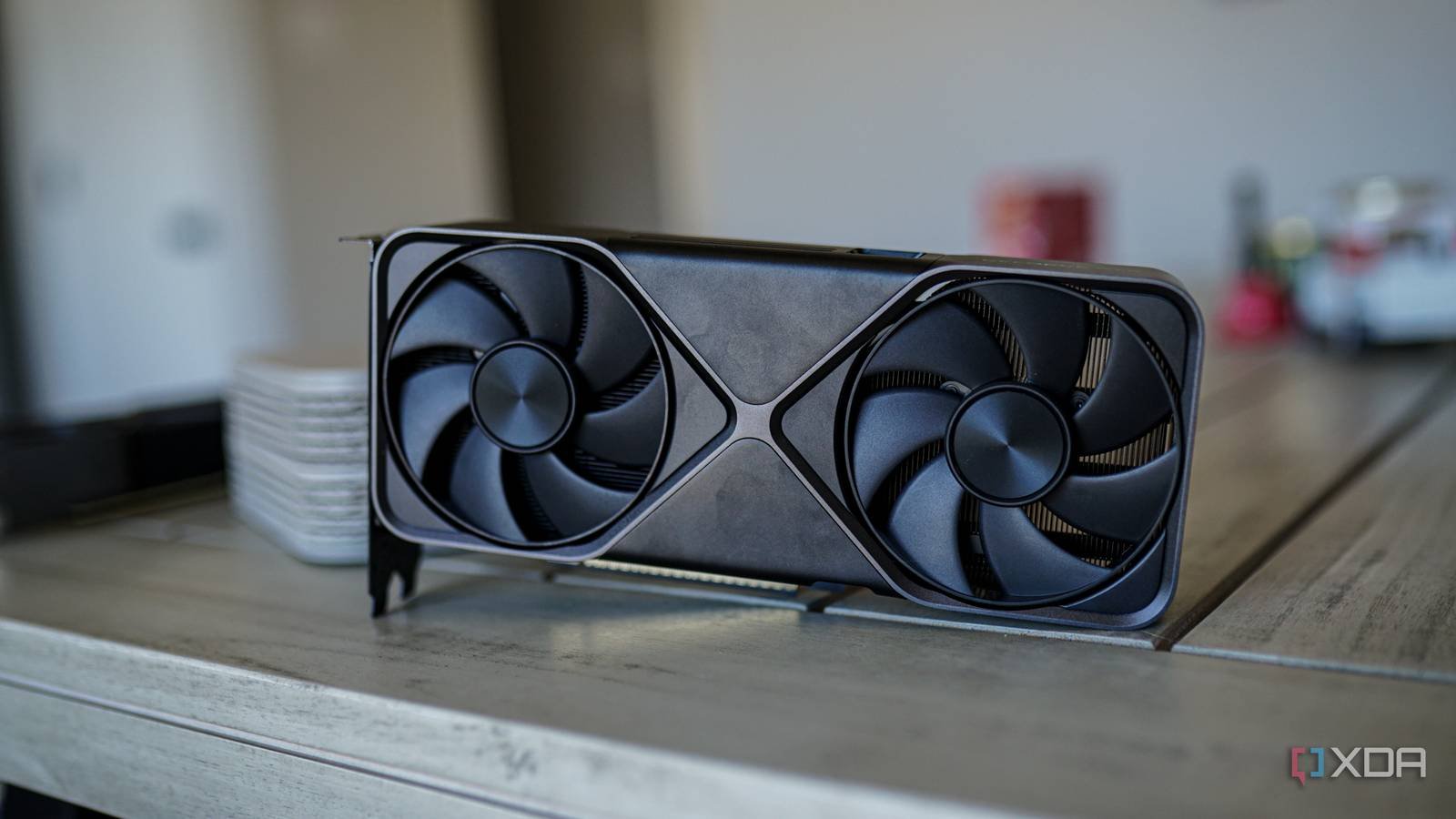
If you just spent $1,600 on a flagship GPUwhy put its fans 5mm away from the solid tempered glass sheet? It just doesn’t make any sense. The most vertical ready positions place the assembly As close as possible to the side panel to show the RGB and of course the GPU itself.
Unless you use a specialized offset bracket or mesh-side SFF box, vertical mounting is a 10°C penalty you just don’t have to pay. Vertical GPU mounts are the ultimate in flexibility when it comes to featuring the GPU’s triple fan shroud, but they often thermal throttling in conventional chassis.

All problems with vertical mounting
Aside from high temps, you’ll also encounter other challenges
First, your GPU will experience the vacuum effect, otherwise known as airflow starvation. GPU fans are designed to draw fresh air into the fin stack, meaning they draw from the open bottom end of the case in a horizontal installation.
However, when installing them vertically, they are pressed against the glass, which means that the fans create a low-pressure zone and, as a result, do not draw fresh air; they are just fighting against the void. Vertical mounts in standard glass cases often result in 8-12°C higher internal temperatures, leading to jet-engine-sounding clocks and low-speed fans.
In order to display the GPU vertically, you end up sacrificing performance. Many high-end modern GPUs also use sophisticated 3D vapor chambers, which depend on gravity. When they are turned 90 degrees, the liquid-to-gas phase change may be disrupted and the condensed liquid may return to the evaporator more slowly. As a result, your core temperature may look normal and your hot spot and VRAM temps are really screaming in the background because the heat pumps aren’t working as intended when your graphics card is facing the way you installed it.
GPUs are designed to be mounted horizontally and therefore work properly in this position. Is it really worth the long-term damage and performance sacrifices to your graphics card when you turn them upside down and install them just for show?
Along with temperature changes, you also pay a riser cable performance tax. You can’t mount a GPU vertically without a PCIe riser cable, but with PCIe Gen5 and Gen6 becoming the standard, signal integrity is more fragile than ever. If you opt for a cheap or unshielded riser cable, it can introduce lag, visual artifacts, or even prevent the system from booting properly. This means you’re adding a point of failure to your $4,000 PC build for a cool look.
If you’re going to opt for a high-quality PCIe riser cable, then you could be looking at a pretty high price tag, meaning you’re spending significantly more than you would have to if you were to mount the GPU vertically for the same performance.
When mounting the GPU vertically, you are disrupting the natural chimney flow of your computer case. Modern cases are designed for a front or lower intake, or both, and then an upper or rear exhaust. This creates a very clear airflow in your case to cool not only the GPU, but also the components in your computer.
By mounting the GPU vertically, it acts as a physical wall that prevents cool air from reaching your CPU cooler, VRAMs, and other parts of your computer. As a result, you’re not just damaging the GPU; you are essentially frying your entire motherboard.
Vertical GPU mounts can be done correctly
Make sure to protect your computer in the process

But that doesn’t mean you can never mount the GPU vertically. If you’re someone who likes the style and look of a vertical mount, make sure you choose a case that works well with it. You can pick up a mesh case like the NR200P or Fractal North, which have mesh side panels rather than glass side panels. As a result, the GPU can draw air directly from the outside instead of causing a low-pressure air zone in your computer case and ultimately affecting your entire computer.
Another option is to opt for water cooling. If you have a custom loop, the orientation doesn’t matter because there are no fans to choke. Cooler Master also has offset brackets that you can pick up, like the V3 variant, that allow you to slide the GPU closer to the motherboard and away from the glass to stop this low pressure zone from forming.
Vertical mounting isn’t something you should completely avoid, but if you don’t take extra precautions to protect your GPU and PC while doing it, then you’re sacrificing both money and performance for cool looks.
Don’t compromise performance for cool looks
It’s not worth it
Indeed, if your GPU fans are within 2cm of your glass, you’ve made a thermal suicide pact. Not only are you asking the GPU to literally fry itself alive, but you’re also frying the rest of your computer in the process. Aesthetics are great, but the 10% performance loss and reduced card is the ultimate anti-flex. Don’t put your looks and components ahead of the actual performance your computer can deliver.



