
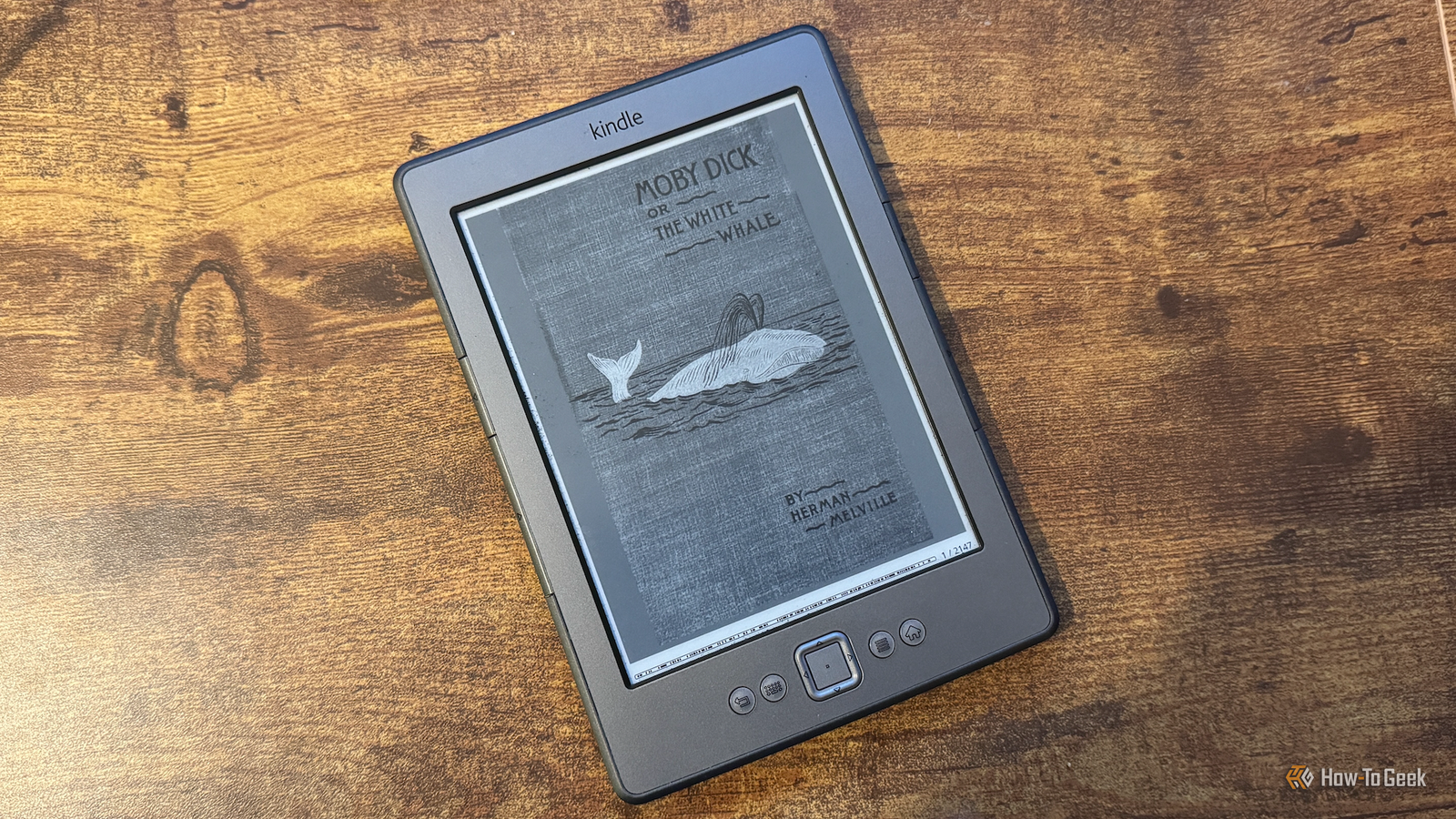
I’ve had a Kindle for over a decade and it’s served me well during that time. So I was disappointed to learn that Amazon would be discontinuing support for my model. I decided to remove Amazon from my Kindle and I wish I had done it sooner.

Amazon’s decision was the push I needed
Older Kindles are losing support

Amazon announced that on May 20, 2026 is officially discontinuing support For the Kindle Store on all Kindles and Fire tablets released in 2012 or earlier. This means that people with older Kindles will no longer be able to buy, borrow or download new books. Send to Kindle feature will no longer exist.
This means that if you need to factory reset your Kindle after that date, you won’t be able to sign in with your Amazon account again. The device will still work, but only for your existing library or books Sideloading via USB.
I’ve been wanting to jailbreak my Kindle for a while to see what it has to offer, but never got around to it. Now that Amazon was going to make the experience of using the Kindle even worse, there was nothing to stop me anymore.

- Storage
-
16 GB
- Weight
-
7.6 oz (215 g)
Amazon’s 16GB Kindle Colorsoft eReader offers a 300 PPI full-color display with an adjustable front light and a waterproof design. Great for readers who love comics, manga, or any other book with colorful pictures.
Jailbreaking your Kindle can be frustrating
It’s not always easy
My Kindle is a Kindle 4 from 2011 and I have to be honest here: the jailbreak process was not fun. There are some helpful resources online that can help you with the process, but with so many models available, not every guide applies to every device, as I’ve found to my cost.
It took me several hours to finally jailbreak my Kindle and install an alternative eReader, and it took me a couple of hang ups and I pulled out a fair bit of hair in the process. I absolutely had to reset the device to factory settingsthis caused me to lose all the books uploaded to it.
I finally made the mistake of turning Wi-Fi back on after getting everything up and running, at which point Amazon locked me out of the newly installed apps and I had to go back and redo a lot of the process. I finally got it all right.
KOReader is worth the effort
Better PDF handling and native EPUB support
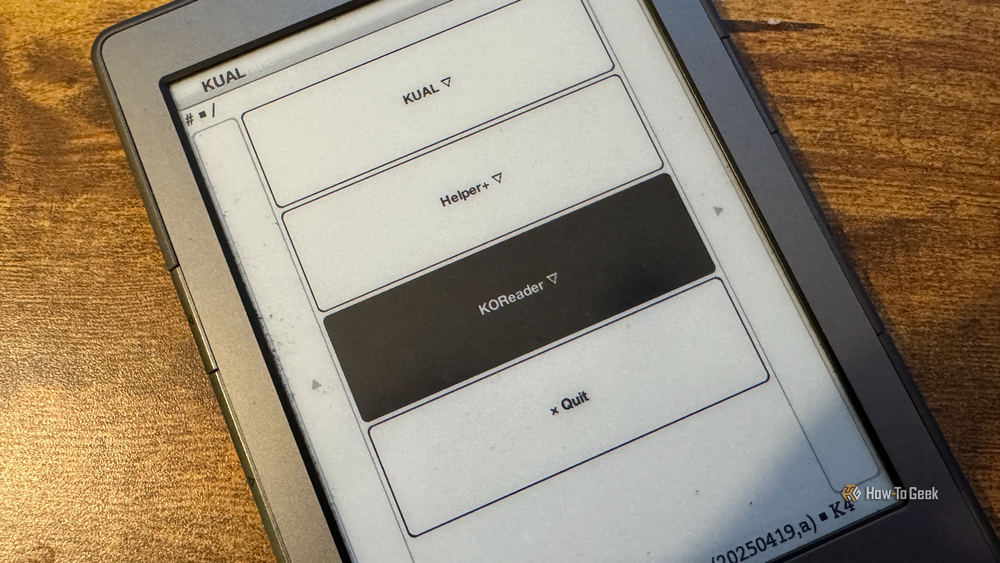
It was the first program I installed KOReaderA free and open source document viewer for e-ink devices. It can be used instead of the standard Kindle app to read books and other documents.
The UI takes some getting used to initially, but it doesn’t take long to get the hang of it. You can access any books stored on your Kindle and read them just like you would on a standard Kindle. The beauty of KOReader is that it can handle many different formats natively, Including EPUBPDF, CBZ and MOBI.
You also have more control over how your eBooks look. You can change the contrast of the text to make it stand out more on the screen, change the kerning and punctuation, and even override the publisher’s styles and replace them with your own.
If you use your Kindle to read PDFs, KOReader is more useful. Trying to read a PDF on a standard Kindle is a nightmare, the text is often too small to read and forces you to zoom in and scroll to try to read the text.
With KOReader, you can use Reflow to extract text from a PDF and place it on your screen so you can read the document as if it were formatted like a perfect Kindle e-book. It makes reading PDFs a pleasure instead of a disgusting nightmare.
Jailbreaking my Kindle gave me access to more than just a superior eReader. I was able to add a battery status app to give detailed information about the Kindle battery, a screensaver app to add my own images for the screensaver, and a font packer so that disable system fonts and use high-quality fonts when reading.
Jailbreak may not be suitable for you
Newer Kindles are not yet affected

Jailbreaking on Kindle While the chances of completely blocking the Kindle are pretty slim, it’s not without its risks. I lost all the content stored on my Kindle, and while it can be avoided, it’s still something to consider before trying.
Jailbreaking can also void your warranty, although that wasn’t really an issue for my 15-year-old Kindle. Since Amazon has stopped supporting my model, it’s unlikely they’ll mind jailbreaking the device.
If you have a newer Kindle model that isn’t affected by Amazon’s announcement, then you might prefer to just stick with what you’ve got, at least until Amazon comes around for your model.
My Kindle is better than ever
Apathy was the biggest factor in me never trying to jailbreak my Kindle, but Amazon gave me the push I needed. The process was frustrating, but now that I’m working I wish I’d done it sooner.



