
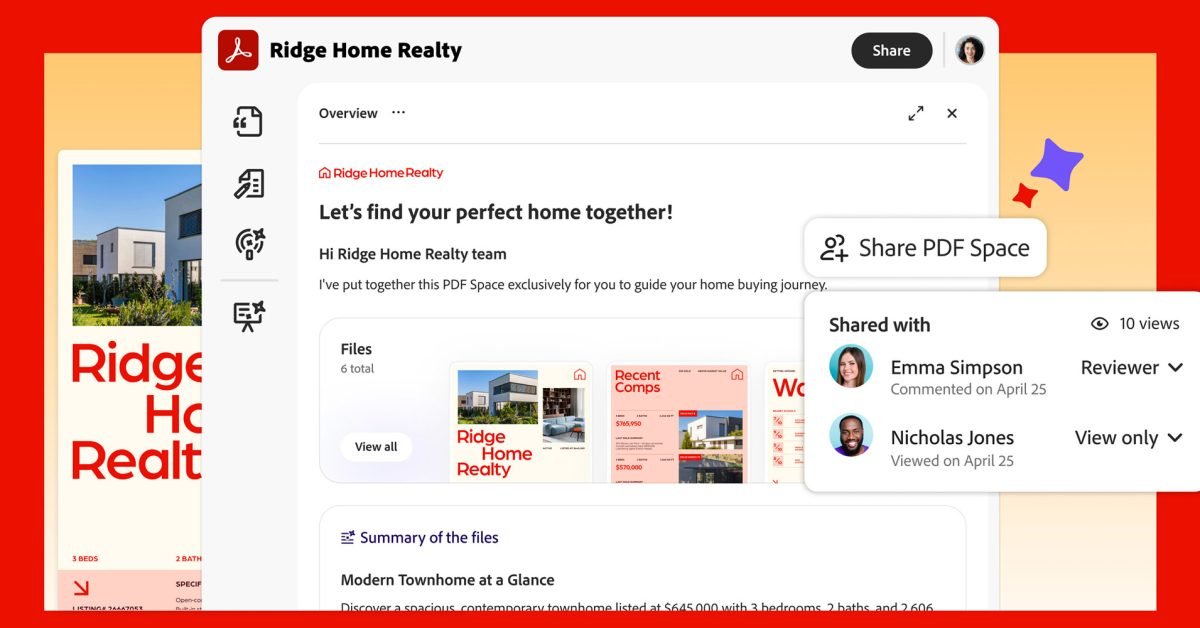
Adobe today introduced new sharing capabilities for PDF Spaces in Acrobat, allowing users to turn static content into interactive, AI-powered summaries, audio reviews, brand introductions, and even a custom chatbot for buyers. Here are the details.
Acrobat now creates interactive workspaces from static PDFs
Adobe’s push for AI-powered experiences continues today with the launch of Acrobat PDF Spaces sharing.
In short, it allows users to upload a series of PDFs, documents, notes and links to Acrobat and then interact with Adobe’s AI assistant to “get surface ideas, edit documents and create presentations, podcasts, blogs and social posts” in a fully editable interactive workspace.
Here’s what Adobe says about what the new productivity agent enables in Acrobat:
- Create a suitable space. Combine PDFs, documents, links and notes in one place. The agent creates space quickly so that the sender can focus on refining the experience with context, structure, emphasis and multimedia content so that buyers focus on what matters most. When documents are updated, the shared experience is also updated, so buyers always have the latest view.
- Adapt your AI assistant to the moment. Tell the AI assistant about your goals and buyers. Share it with expertise to answer questions, make offers, and help buyers get the information they need to make confident decisions.
- Get buyers up to speed with audio reviews. The agent automatically generates an audio summary of the information to guide shoppers before they enter.
- Add branding. Add a logo to create a professional, branded experience.
- Follow with confidence. The agent provides engagement insights to help follow-up be timely and informed.
In an example shared by the company, a user uploads several documents related to an offer he has to make to a potential customer.
After discussing and refining the best approach with Adobe Acrobat’s artificial intelligence, the platform creates a sharable, personalized interactive experience with the product researcher that includes images, brand story and details, sales, margin and other relevant data taken from original documents and shaped by conversation.
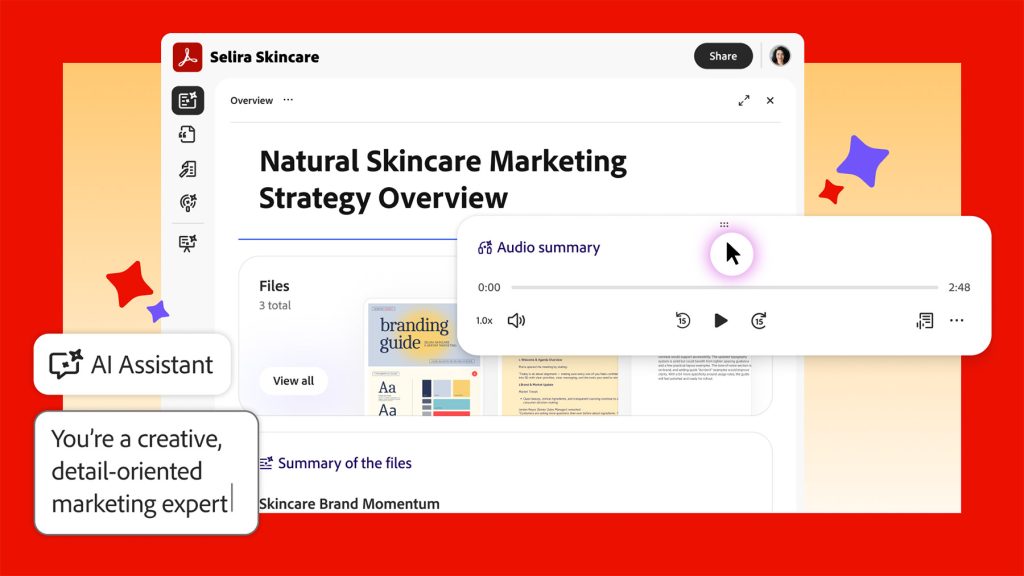
When everything is set, the user can share this interactive experience with the customer, who in turn can chat with the platform’s AI assistant to ask questions and better explore and understand the material.
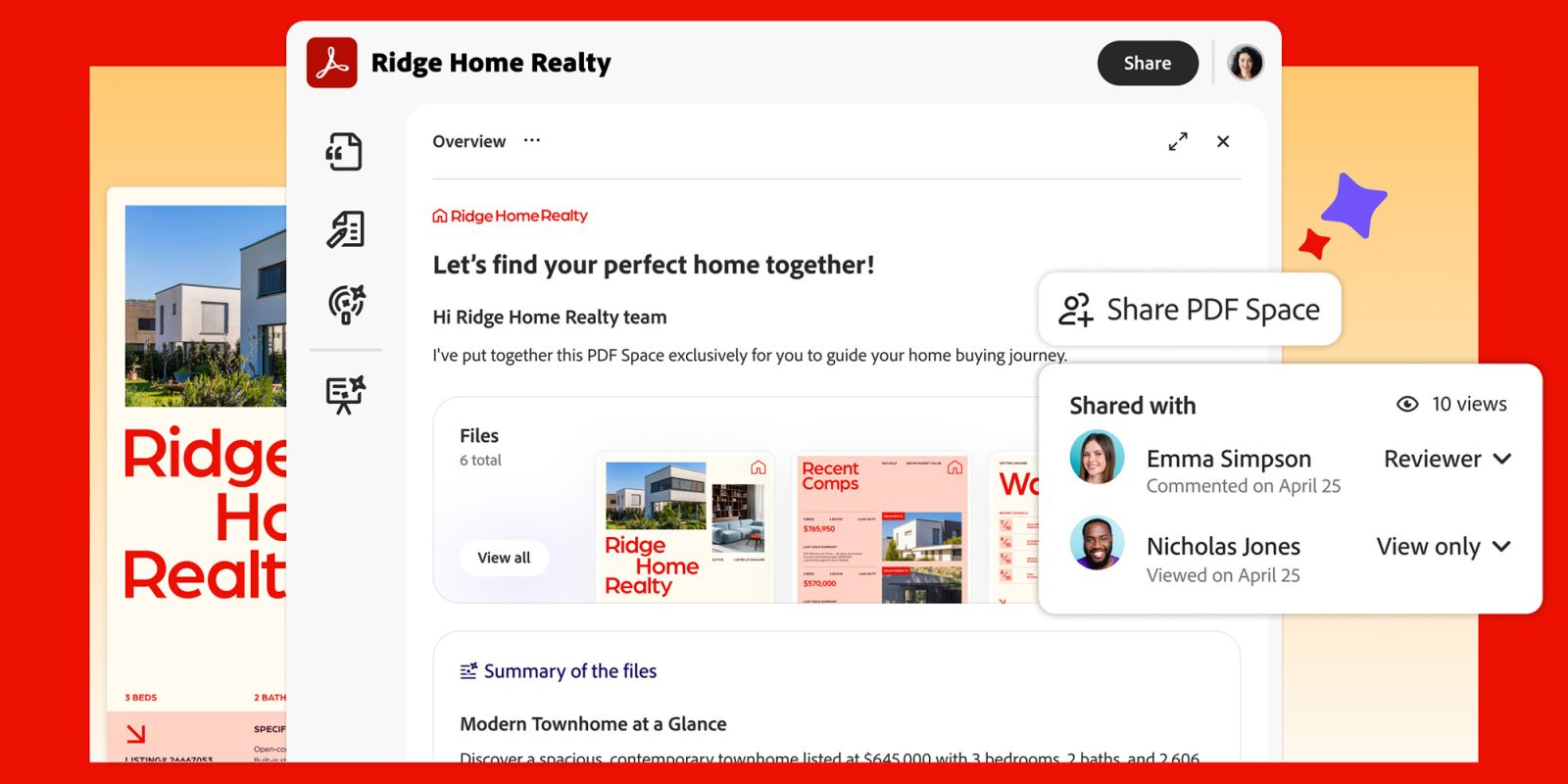
After sharing a link to an interactive experience, the original author can access engagement analytics that show total views, named recipients, individual follower activity, referral details, and view counts per recipient.
While today’s news appeals more broadly to professional use cases, including sales teams, executives and finance teams, marketers, HR and compliance leaders, it can also be used for personal purposes, such as consolidating, researching and sharing travel itineraries or event details.
Check out the new platform in action below:
Abhigyan Modi, senior vice president of Adobe Document Cloud, said in today’s presentation:
“We’re not just adding new features, we’re introducing a new format. (…) For the first time, sharing documents means sharing an experience tailored to your intended audience, whether it’s a client, a team or a million subscribers. Now each of those experiences can be as personal and purposeful as the work that went into creating it.”
The new Productivity Agent and PDF Spaces are both available Acrobat Expressand Acrobat Studio.
It’s worth checking out on Amazon


FTC: We use automatic affiliate links that generate income. More.



