

Google is rolling out the latest version of Gemini for macOS today with several updates.
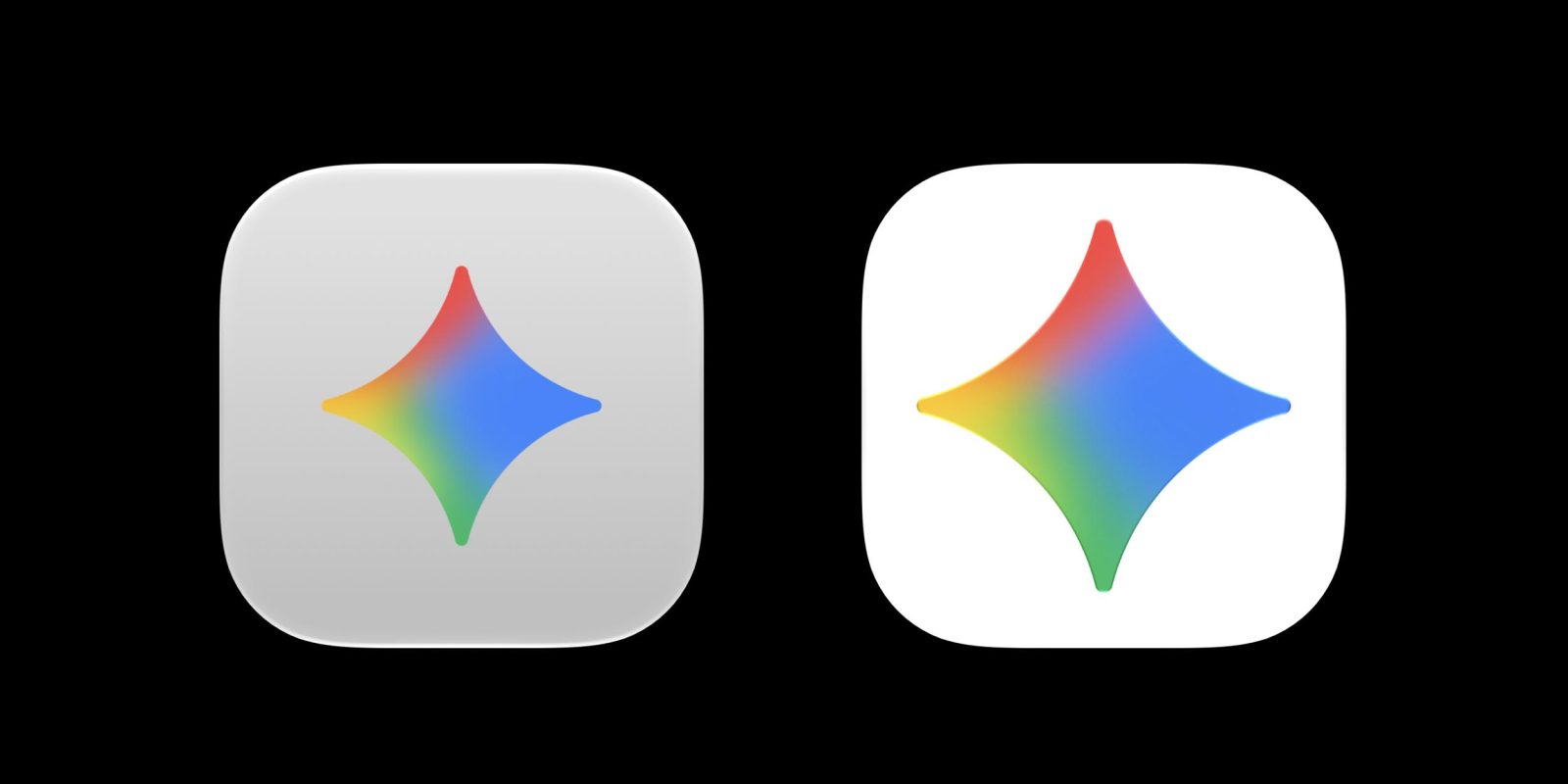
After updating to version 1.72.2.419 (from 1.64.1.362), you will immediately notice that Google has updated the app icon. Instead of a gray background that mutes things, the container is white, just like on iOS, Android, and other devices the program’s download page. The Gemini spark is also a bit bigger now.
The Library icon in the sidebar has been updated to better fit other platforms, while the upper-right corner buttons for Temporary chat and Minimize have been shrunk.
Google also updated Settings to avoid one long page. Instead, the sidebar groups preferences into Appearance, Shortcuts, Personal Intelligence, Gemini Voice, About, and Debug.
Old and new


The Mac app has some Neural Expressive components, but we’re still waiting for the full redesign that was unveiled at I/O 2026 last month. Google will probably provide it Along with Gemini Spark and new sound features this summer.
In other Gemini developments for Mac, last week Google shared that pressing both Command ⌘ keys at the same time will “seamlessly add your active window to the conversation.” It saves you from manual screenshots and is a bit like the Gemini overlay on Android.


FTC: We use automatic affiliate links that generate income. More.



