
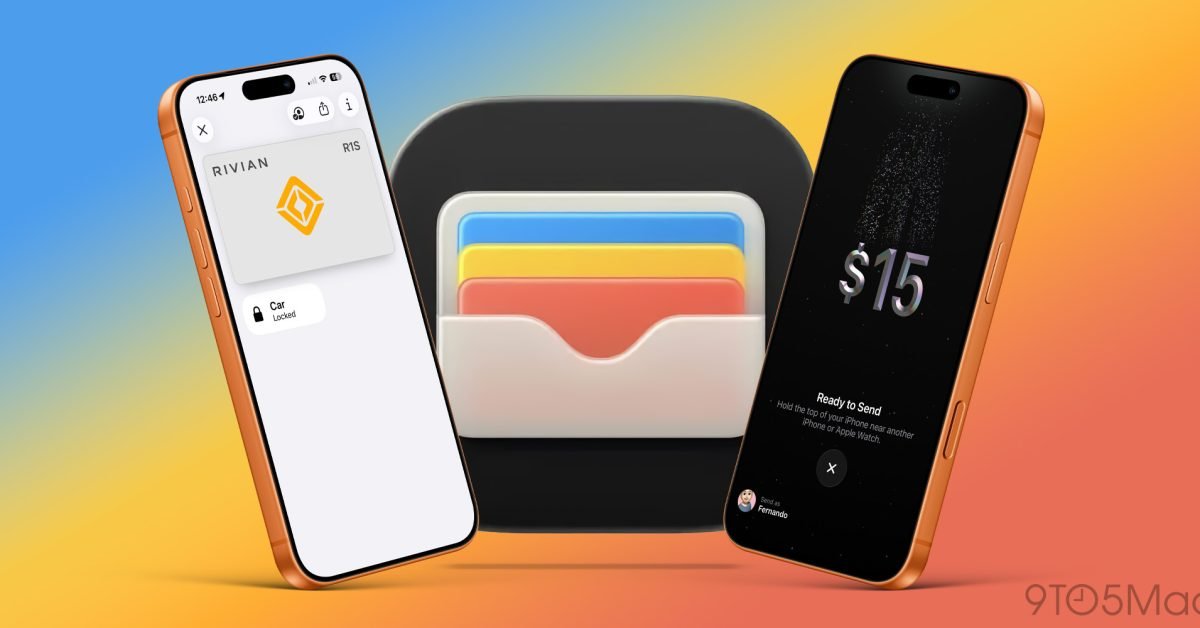
I’ve said for years that the Apple Wallet app is one of Apple’s most underrated services. When most people hear about Apple Wallet, they think of Apple Pay, but it’s so much more. It holds everything from my credit cards and transit cards, changed my keys, helped me send money, and honestly replaced the need to carry both a physical wallet and keys. Most of these features have been quietly added over the years and most people are not aware of them. Here are five Apple Wallet features that I use all the time that most people don’t know about.
Be sure to watch our video below, it goes hands-on with all the features we’ve mentioned and shows you how to use them.
Apple Cash and iMessage payment
Most people don’t know that you can get a digital Apple Cash card for free in the wallet app as long as you have an Apple ID. It’s essentially a debit card that you can load with cash from your bank and use through Apple Pay like any other credit or debit card. But it also allows for peer-to-peer payments via iMessage. And for me, for the most part, it has replaced the need to use apps like Venmo, Cash App, and even Zelle.
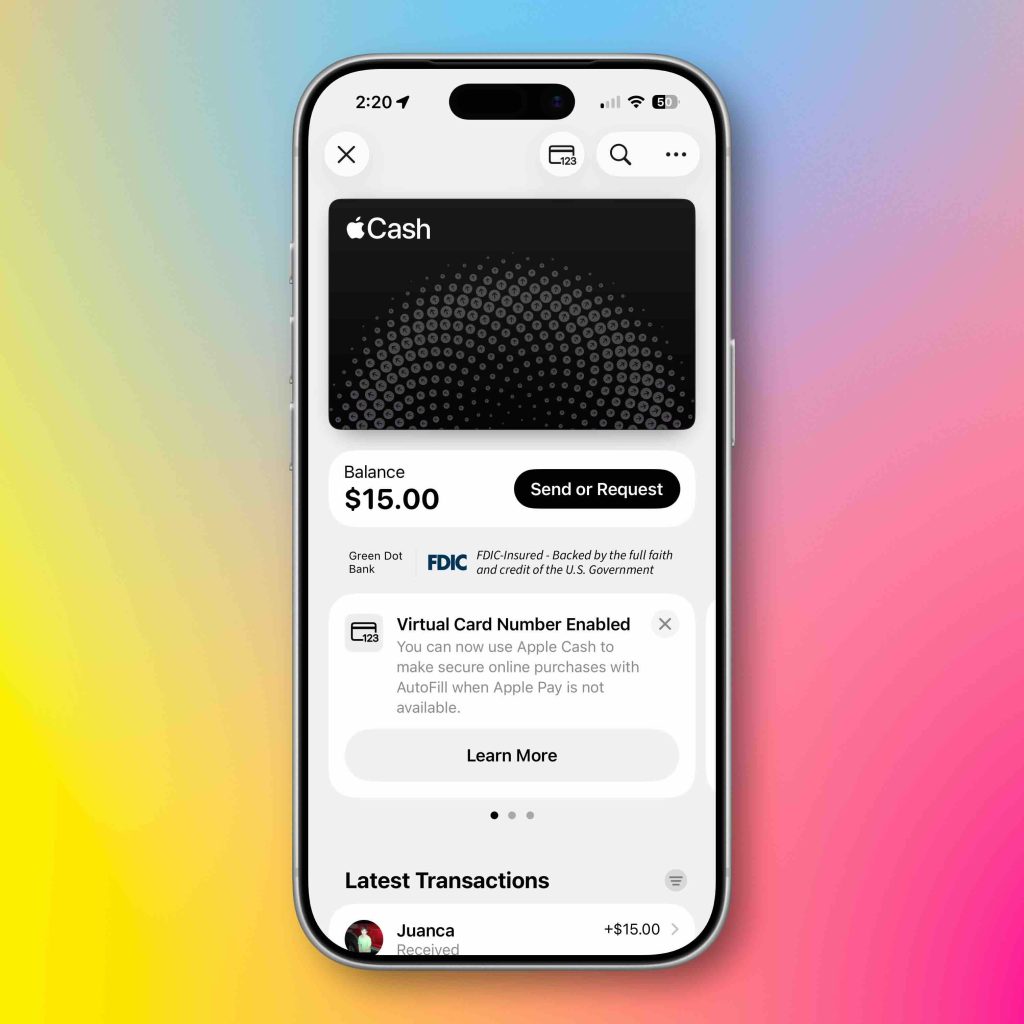
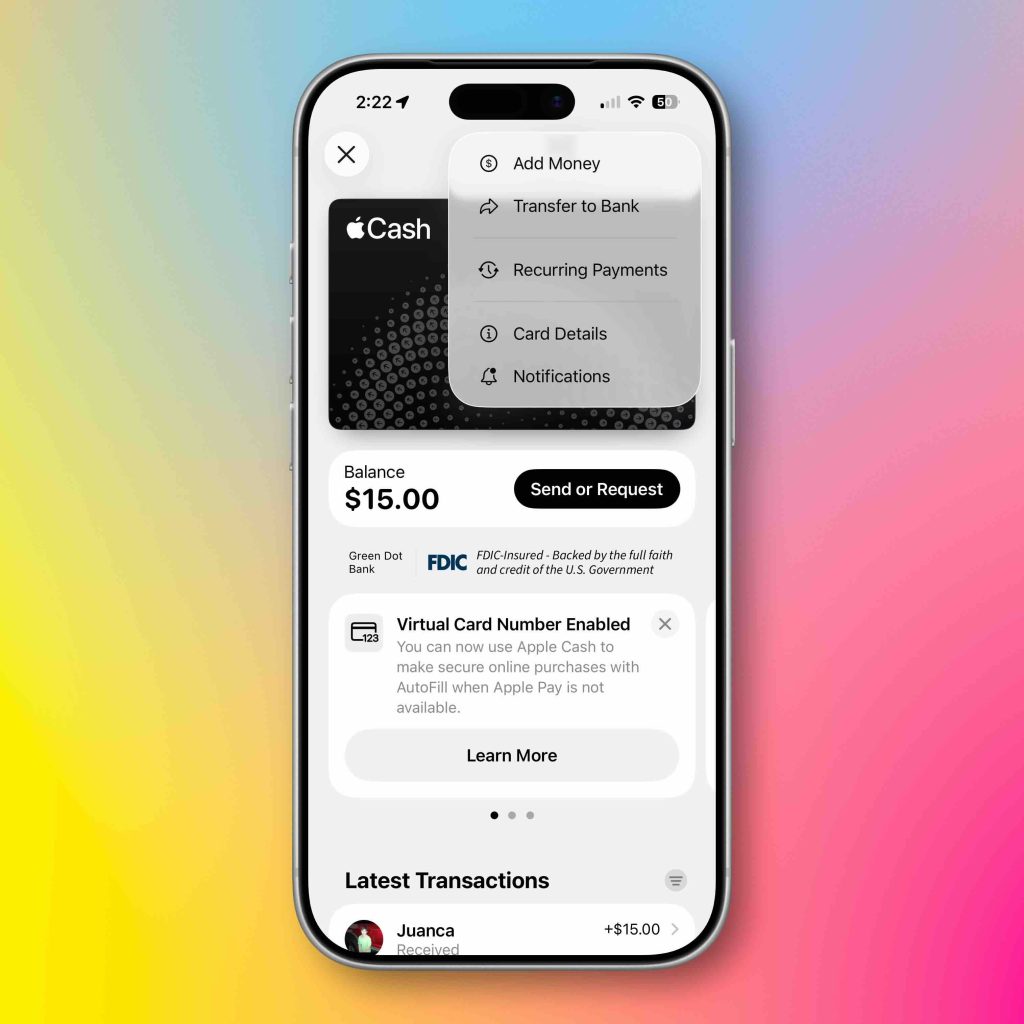
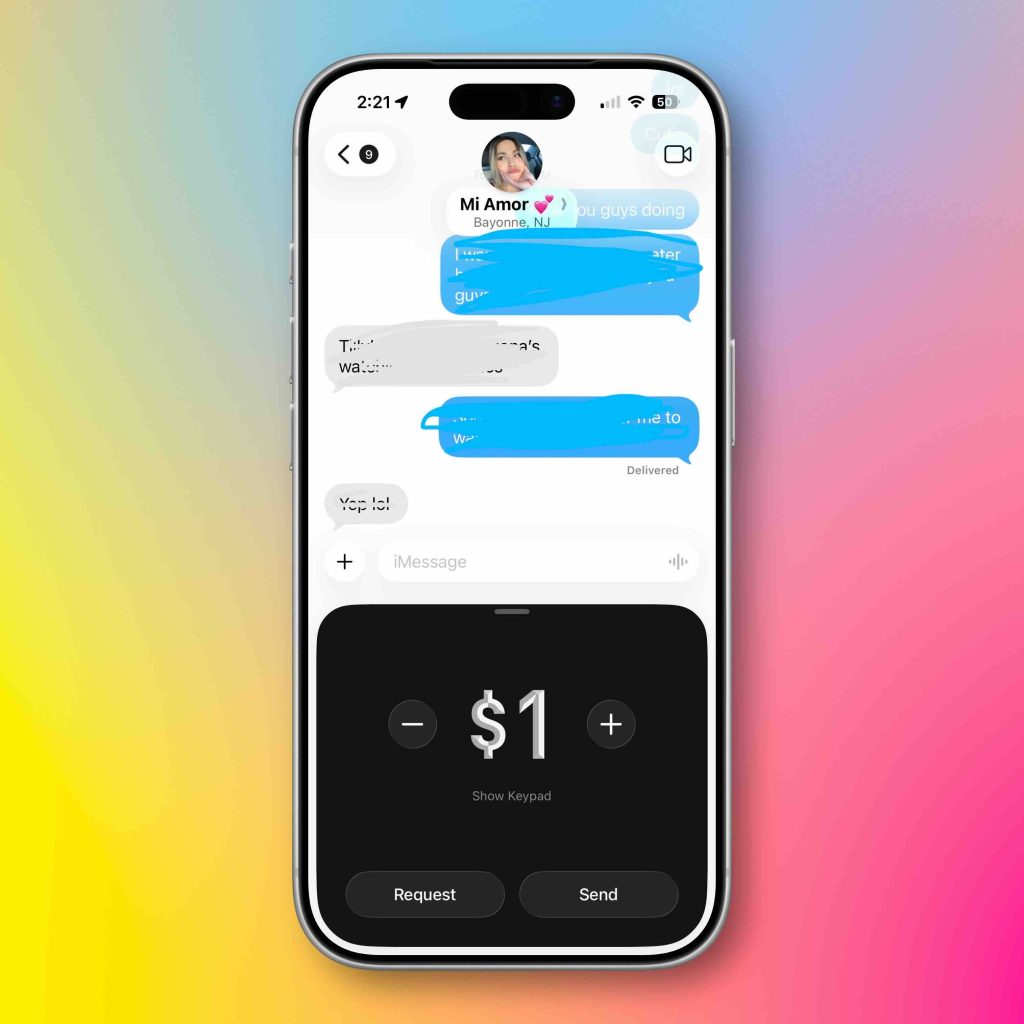
The Apple Cash card is FDIC insured, so if something happens, you’re safe. The only thing it can’t do locally is withdraw cash from an ATM. But everything else allows it to work just like any other digital debit card.
Tap to Pay on iPhone
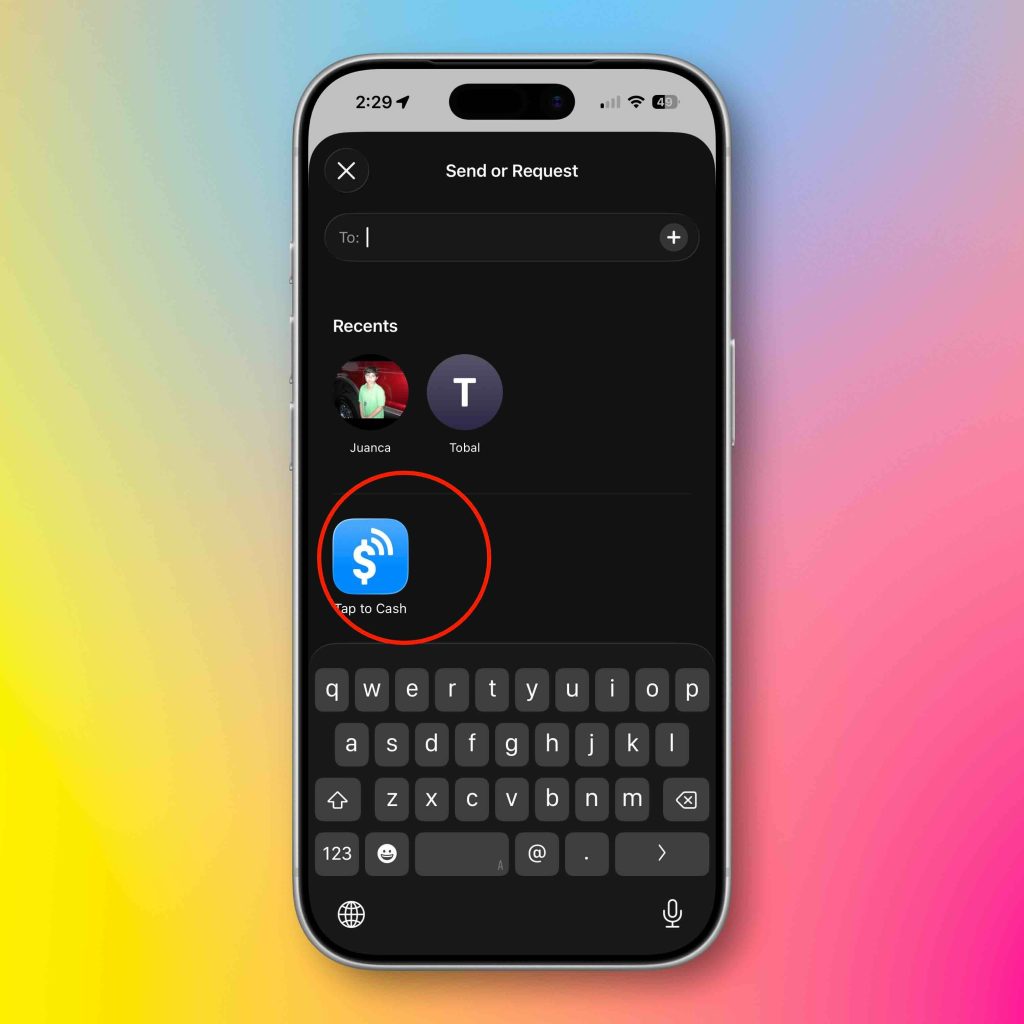
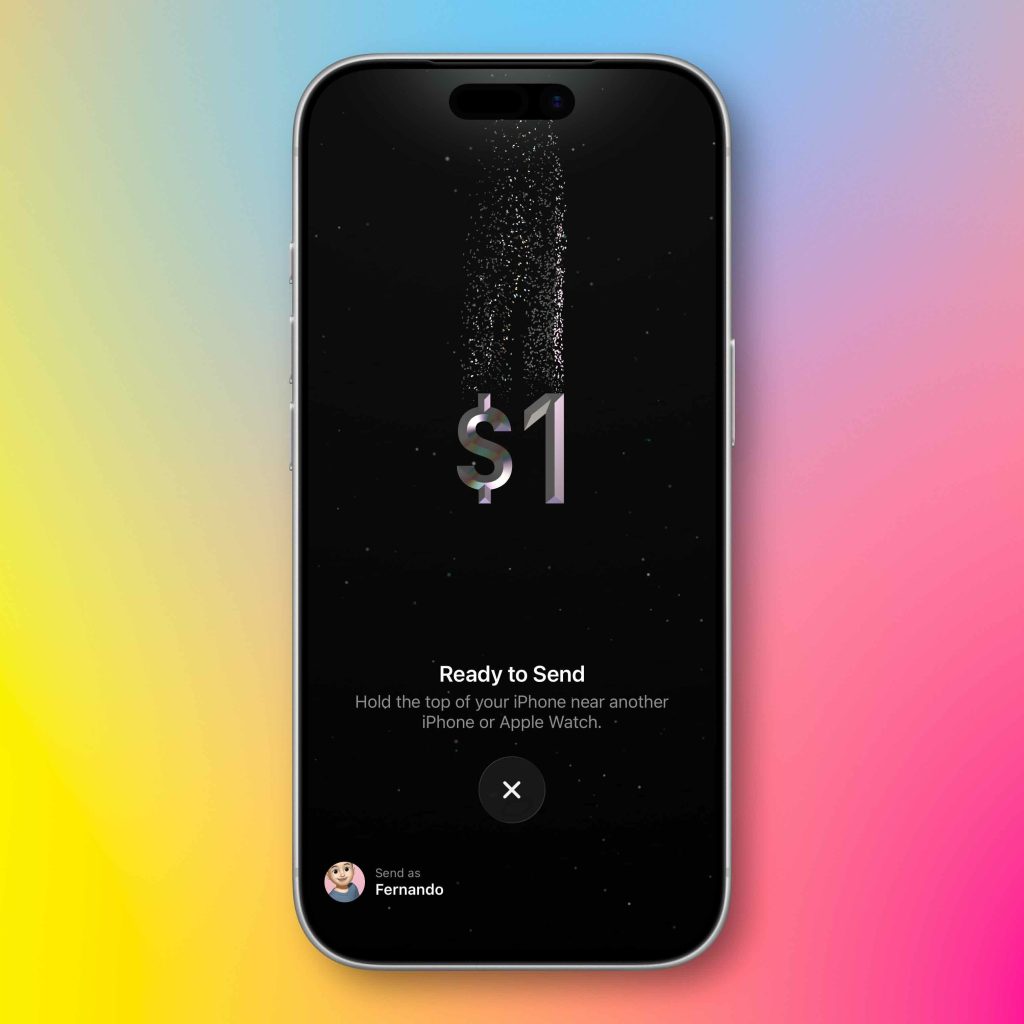
Another feature the Apple Cash card unlocks is the new “Tap to Pay” feature on the iPhone. We’ve all seen these Square payment terminals at stand-alone vendor booths at flea markets and farmers markets. Tap to Pay with iPhone allows you to pay someone directly on their iPhone. No other equipment or payment terminal is needed. It is absolutely magical. How to do it:
- Open the Wallet App
- Tap the Apple Cash card
- Click Submit or Request
- Hit the cash
- Select the amount
- Double tap the lock button
- Then tap your phone on the recipient’s phone
- Now the recipient has money on their Apple Cash card
This completely eliminates the middleman and allows you to pay without any fees. This is a game changing feature in my opinion. Also, the animation when it happens makes it even cooler.
Express Transit Cards
This feature has been out for several years, but many people are unaware of it. Most modern metro public transport stations allow you to use Tap to Pay via Apple Pay to board the metro or bus. Most people pull out their phone, double-click the lock button, select the card of their choice, tap the terminal, then switch. This is excessive friction and causes traffic jams for people in a hurry. The express transit card always allows you to select the specific card used in these terminals. Reduces the number of checkout steps to zero. You literally just tap your phone into the terminal and swipe as long as you have the Express Transit card selected in your Wallet settings. You simply:
- Open the settings
- Tap Wallet and Apple Pay
- Swipe to Express Transit Card
- Select the card you want to use
So now every time you click to pay at a metro terminal, your designated card will be used without using Face ID.
Physical credit card information in Apple Wallet
This was a huge upgrade for me personally in Apple Wallet. Before this feature, when you added your cards to Apple Wallet, the physical credit card information was nowhere to be found, and Apple only displayed an encrypted virtual card number used for transactions. So if you needed an actual credit number, you would have to get a physical card. This is no longer the case! Now you can save your credit card information in case you need to use it later! Here it is:
- Open Apple Wallet
- Select the saved card
- Tap the three dots on the top right
- View or add physical card details securely behind Face ID
This was the main reason I left the credit cards at home. If Apple Pay doesn’t work, I can open my wallet app and find my card number to make a manual transaction without a physical card. Absolute victory!
Digital car and house keys
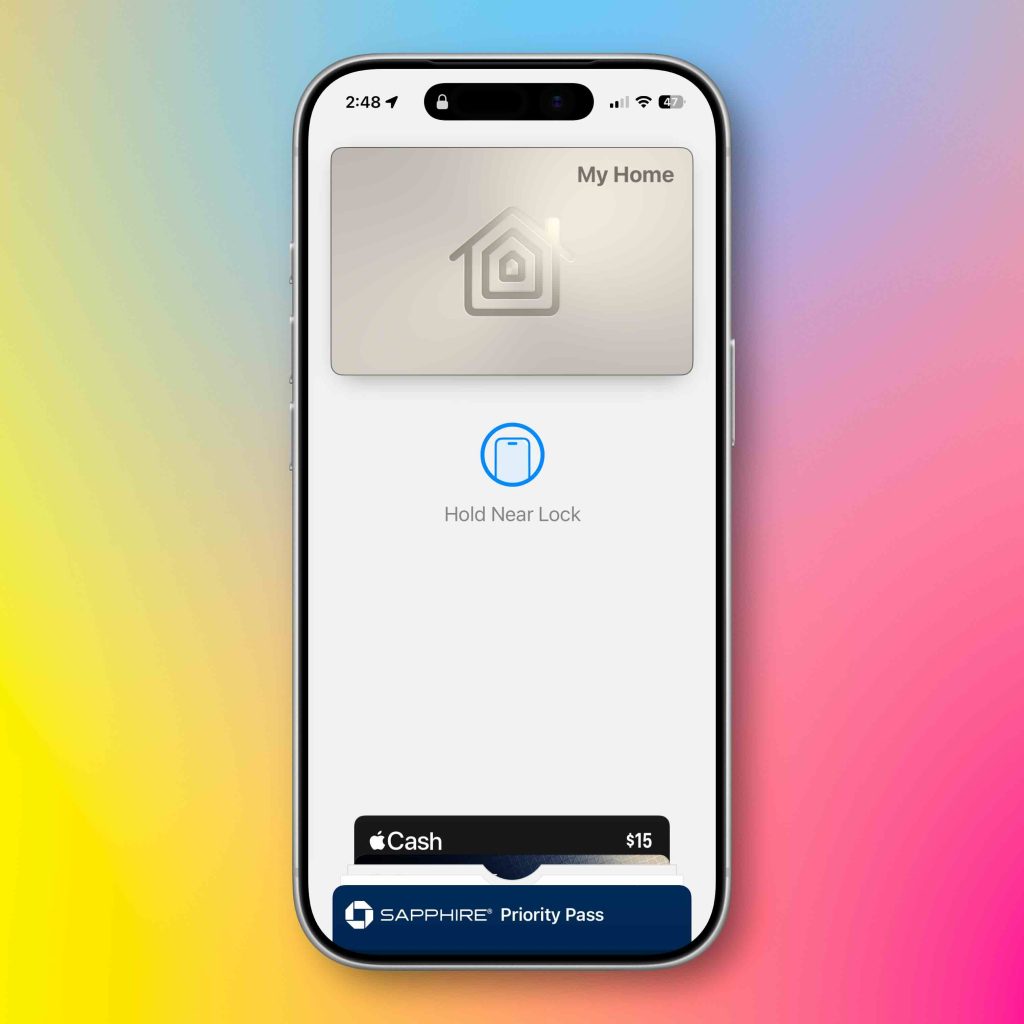
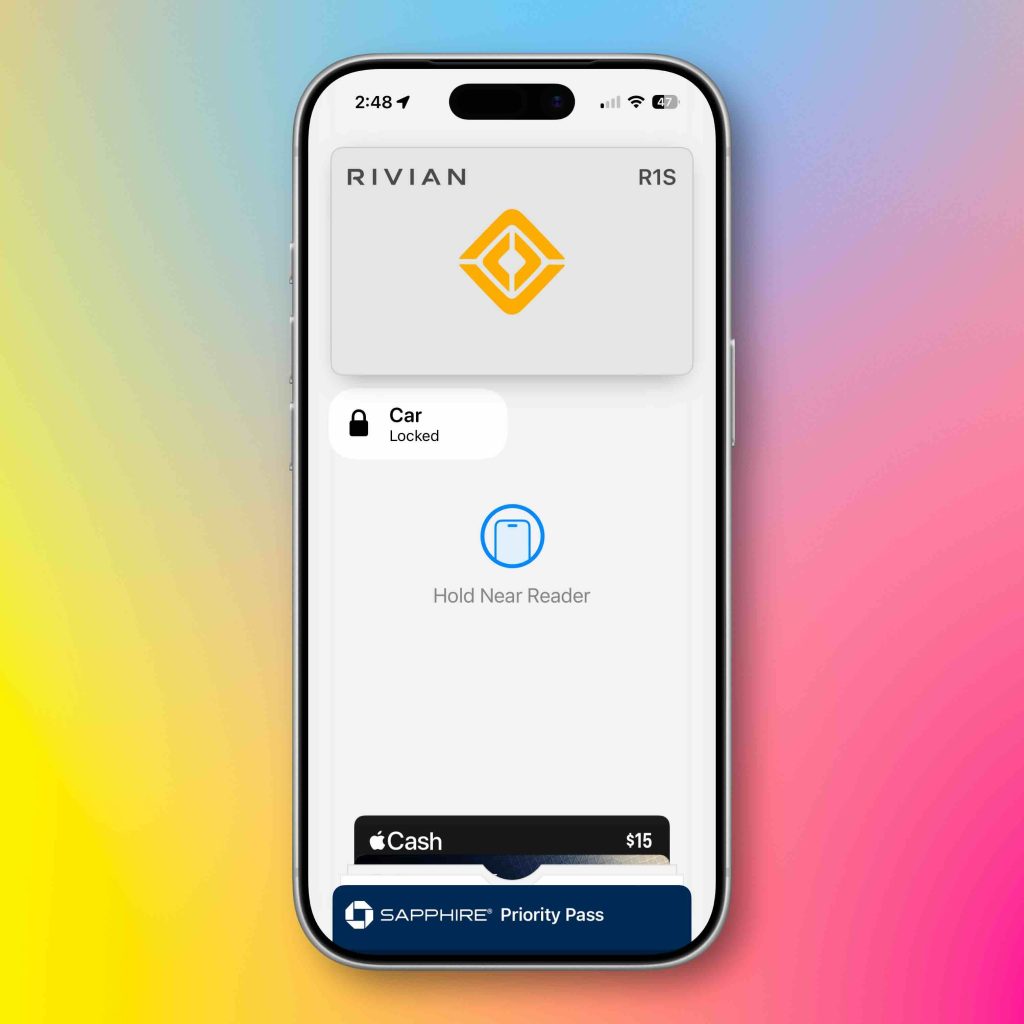
Apple Wallet has also become my digital keychain. Between the car keys and the house keys, there are days when I leave the house with nothing but my iPhone. I have a smart lock that works with Apple HomeKit, so all I have to do is tap my iPhone on the doorknob and the lock opens. I don’t need to carry keys anymore. The same goes for my car. I don’t need a key fob to get into my car or use basic controls like locking and unlocking. Also, the proximity features for automatic locking and unlocking of both home and car keys have been excellent and extremely reliable. Again, so good that I no longer carry keys with me when I leave the house!
Final thoughts
As I mentioned earlier, Apple has quietly made Apple Wallet one of the most important parts of my ecosystem. Apple Wallet is no longer a place to store your credit cards. It becomes a digital wallet for payments, access, identity and general everyday convenience. I tell people that the best tech products and services are the ones that just work, are reliable, and you almost forget you’re using them. And I haven’t even talked about the Apple Card, high yield savings account, live activities, boarding passes and everything else it can do!
If you’re in the credit game as much as I am, I recommend giving Card indicators give it a try! This has helped me tremendously in organizing and maximizing my credit scores and utilization. Do you use Apple Wallet? Has it replaced your physical wallet? Let’s discuss below.
Best Apple Deals


FTC: We use automatic affiliate links that generate income. More.




