
Summary
-
Optocam Zero is a pocket Raspberry Pi Zero camera with ready-made parts and a 3D-printed case.
-
It has autofocus, eight filters, Wi-Fi hotspot, USB-C charging and a replaceable 14500 battery.
-
Tech specs include 2592×2592 JPEG photos, 240×240 1.4″ LCD, 15-20fps preview, and ~70-80 minutes per charge.
The last few weeks have been good for people who like to build their own cameras. We checked in late March open source Raspberry Pi camera It looks like something out of an 80s sci-fi movie, complete with a variety of filters you can choose from. While this is an amazing project, you can never have enough DIY cameras.
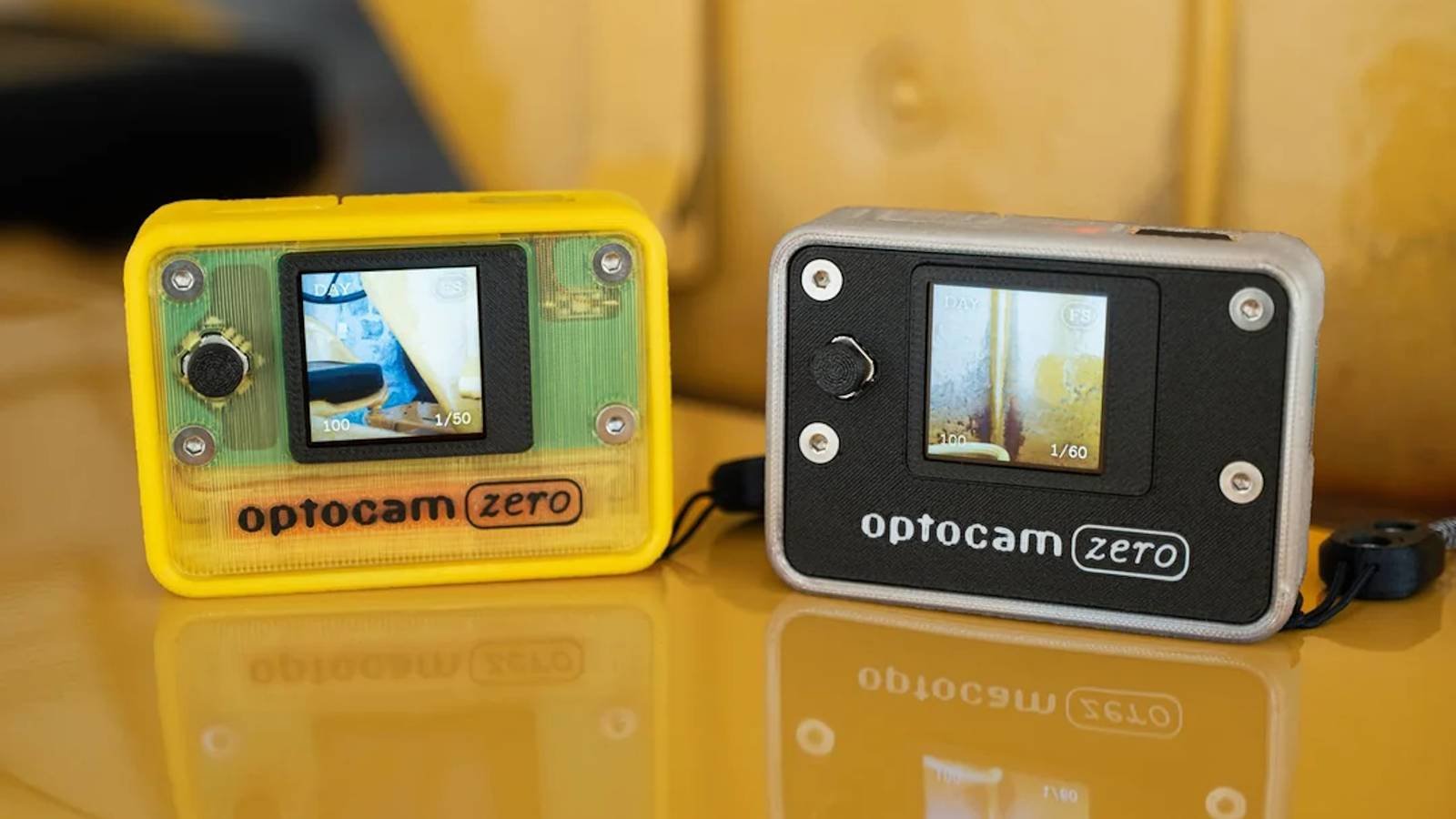
Enter the Optocam Zero, a camera powered by the Raspberry Pi Zero that can easily fit in your pocket. However, don’t underestimate it just because it’s small; Inside that shell is a pretty powerful little camera that should be a joy to set up and use.

You can also build Optocam Zero at home
It uses off-the-shelf components and a 3D printer
Redditor dkumkum has been busy showing off his Optocam Zero project Raspberry Pi and toy camera subreddits. The main advantage of the Optocam Zero is that you can buy all the bits you need in stores and the shell is 3D printed. So if you’re in the mood to build something cool, you could do worse than making this cute little piece.
The camera has autofocus, eight built-in filters, a Wi-Fi hotspot for transferring photos, and USB-C charging with a replaceable battery. And if you want all the specs on this awesome little project, here they are:
– Capture a 2592x2592px Jpeg image. The image is kept in the background while the preview remains active.
– 240x240px 1.4 inch lcd display.
– Consistent 15-20 fps camera preview on screen.
– 22 second loading time.
– Uses a 14500 type li-ion battery.
– 70-80 minutes of use per charge.
– Dimensions: 51×71×18mm (excluding camera and screen bump)
If you want to make your own (and I certainly don’t blame you), head on over Optocam Zero GitHub project page for complete setup instructions, 3D printing files, and a complete list of materials you can use as a shopping list the next time you’re at the component store.



